V4
Price: 800,000 IQD
Prices can change. Confirm on WhatsApp before you buy.
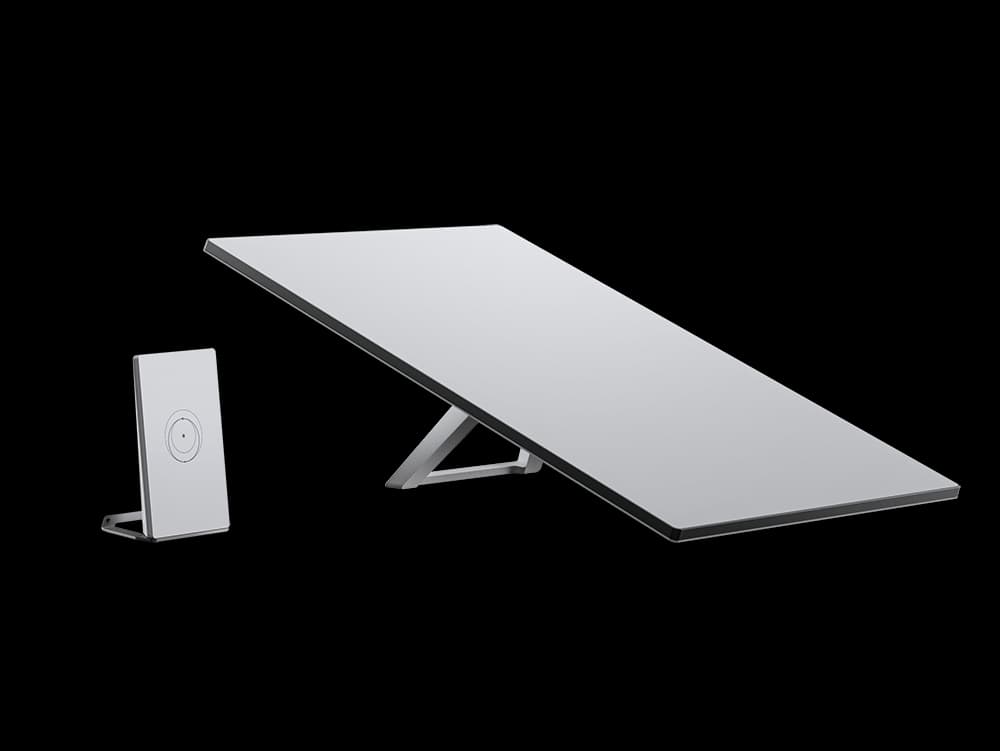
Every kit comes with setup guides and support on WhatsApp.
Who it is for
- It suits a household or a small office.
- It stays in one place on a roof or a mast.
- It covers everyday use for a family or a small team.
Details
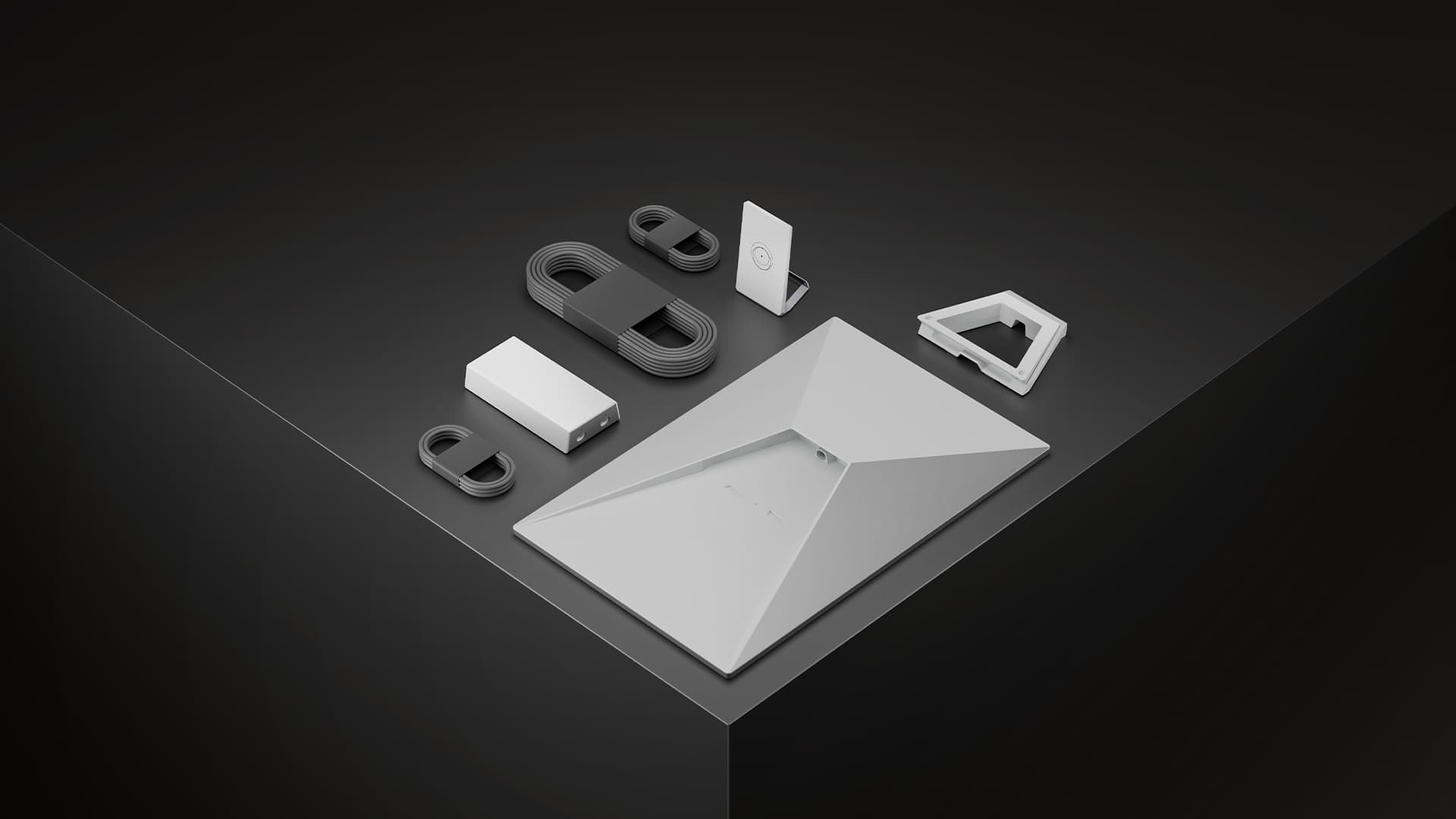
In the box
- Starlink
- Kickstand
- Power supply
- Router Mini
- Router Mini stand
Cables
- Starlink cable 15 m
- Ethernet cable 2 m
- AC cable 1.5 m
Contents can vary. Confirm the exact kit with us on WhatsApp before you buy.
We have not published the size, weight or power of this kit yet. Ask us on WhatsApp and we will confirm them for the unit you are buying.
Message us on WhatsAppAccessories for this device
Photo of Starlink V4 Power Supply A real Orbix photo goes here before launch. Essential for power cuts
Starlink V4 Power Supply
A spare power supply for the V4 kit.
Price: $80
Photo of Starlink V4 Adapter A real Orbix photo goes here before launch. Essential for power cuts
Starlink V4 Adapter
Adapter for connecting the V4 kit to another power source.
Price: $150
Photo of Starlink V4 Router A real Orbix photo goes here before launch. Starlink V4 Router
Extra router to cover a larger home or office.
Price: $180
Photo of Starlink V4 Cable 20m A real Orbix photo goes here before launch. Starlink V4 Cable 20m
A 20 metre cable, for when the dish sits far from the router.
Price: $100
Photo of Starlink V4 Cable 40m A real Orbix photo goes here before launch. Starlink V4 Cable 40m
A 40 metre cable, for open ground and long runs.
Price: $150
Photo of Starlink V4 Stand / Mount A real Orbix photo goes here before launch. Starlink V4 Stand / Mount
A stand or mount to hold the dish steady on a roof or the ground.
Price: $80
Tutorials
Short videos from our own team, in your language.
- Video coming soon
Unboxing the kit and placing the dish
- Video coming soon
Connecting the power
- Video coming soon
Activating in the app
- Video coming soon
Asking us for help on WhatsApp
- Video coming soon
Moving the dish to another place
- Video coming soon
Connecting power backup
The videos are not filmed yet. Message us on WhatsApp in the meantime and we will walk you through any step.
Stuck at any step? Message us and we stay with you until you are online.